Note
Go to the end to download the full example code.
2.3.4 Using simulation trackers
This example illustrates how trackers can be used to analyze simulations.
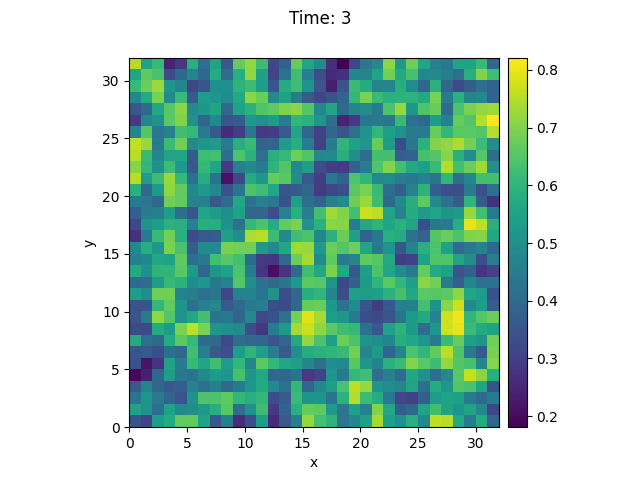
  0%|          | 0/3.0 [00:00<?, ?it/s]
Initializing:   0%|          | 0/3.0 [00:00<?, ?it/s]
  0%|          | 0/3.0 [00:10<?, ?it/s]
  3%|▎         | 0.1/3.0 [00:10<05:01, 103.83s/it]
  7%|▋         | 0.2/3.0 [00:10<02:25, 51.92s/it]
 33%|███▎      | 1.0/3.0 [00:10<00:20, 10.38s/it]
 33%|███▎      | 1.0/3.0 [00:10<00:21, 10.51s/it]
100%|██████████| 3.0/3.0 [00:10<00:00,  3.50s/it]
100%|██████████| 3.0/3.0 [00:10<00:00,  3.50s/it]
530.7475653490662
530.7475653490661
530.7475653490662
530.7475653490662
import pde

grid = pde.UnitGrid([32, 32])  # generate grid
state = pde.ScalarField.random_uniform(grid)  # generate initial condition

storage = pde.MemoryStorage()

trackers = [
    "progress",  # show progress bar during simulation
    "steady_state",  # abort when steady state is reached
    storage.tracker(interrupts=1),  # store data every simulation time unit
    pde.PlotTracker(show=True),  # show images during simulation
    # print some output every 5 real seconds:
    pde.PrintTracker(interrupts=pde.RealtimeInterrupts(duration=5)),
]

eq = pde.DiffusionPDE(0.1)  # define the PDE
eq.solve(state, 3, dt=0.1, tracker=trackers)

for field in storage:
    print(field.integral)
Total running time of the script: (0 minutes 10.557 seconds)